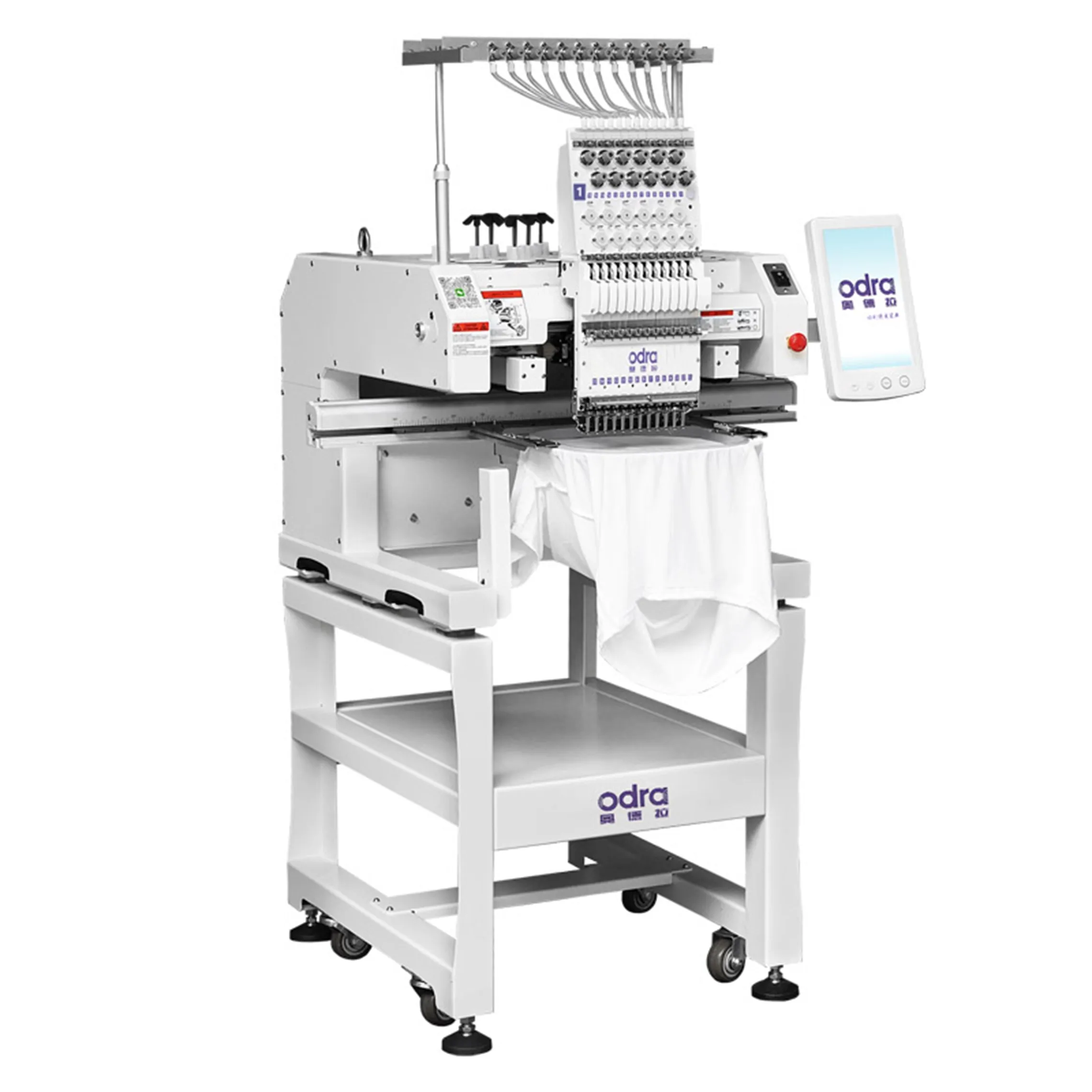
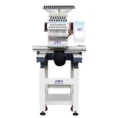
Multifunctional Horsehead Machine Series
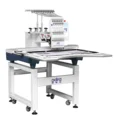
Multifunctional Bridge-Type Single-Head Machine Series
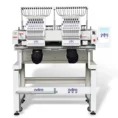
Multifunctional Towel Machine Series
Before buying an embroidery machine for caps, confirm that the exact machine and cap-frame package can embroider your chosen cap style, logo size and placement. A flat embroidery area or a general “hat embroidery” listing does not establish the usable area on a finished cap. Ask for a demonstration using the actual cap and design you intend to sell.
Prepare a short application brief for your supplier. Include the cap supplier and style code, photographs of the outside and inside, and a physical blank if possible. Identify whether you need a front logo, side decoration or lettering above the rear opening. Treat these as separate applications until each has been demonstrated.
“Baseball cap” alone leaves too much unspecified. A successful sample on one blank is evidence for that setup, not a guarantee for every cap in a catalog.
Request the permitted width and height for the proposed cap, frame and machine combination. Have the supplier explain where the design sits relative to the bill and crown. Do not use the machine’s advertised flat-field dimensions as cap dimensions, or convert a frame’s rotation angle into a guaranteed logo width.
Melco’s cap embroidery overview explains that cap construction can restrict the sewing field and whether side panels can be embroidered without rehooping. This is useful general application guidance; Melco’s machine settings and accessory specifications should not be transferred to an ODRA model.
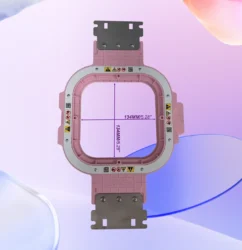
Ask the supplier to identify each component needed to prepare and sew a cap: the machine-side cap driver, the frame holding the cap, and the hooping fixture or gauge used while loading it. Request item names or photographs and a written list of what is included versus optional. Also confirm installation instructions and how to return to garment embroidery.
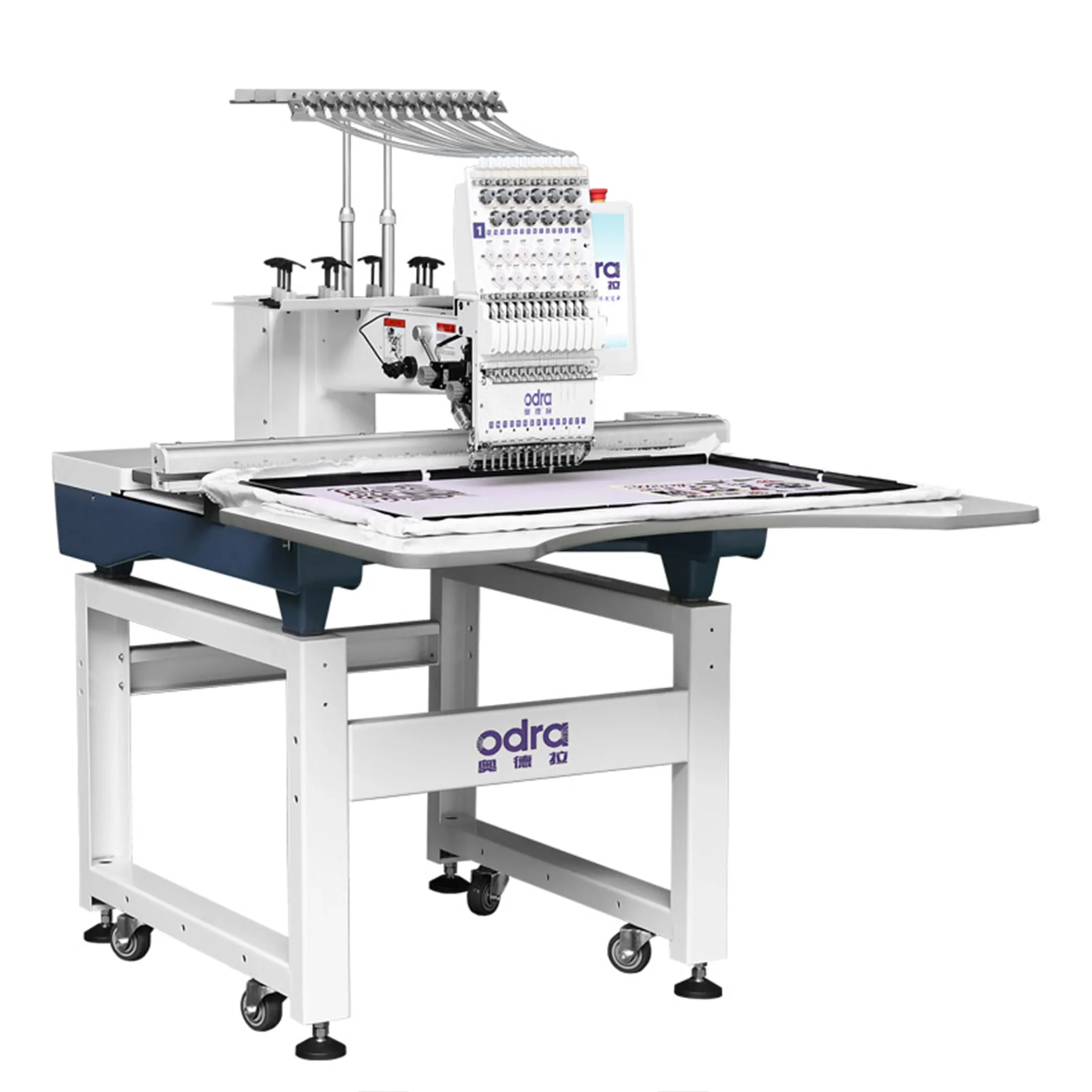
An accessory described only as “universal” needs further verification. Send your exact machine model and proposed cap details to MYODRA before ordering a replacement or additional frame.
If production planning matters, ask for elapsed time across the full demonstrated workflow. A maximum stitch speed alone does not tell you how many acceptable caps your operator can finish per hour.
Confirm training for cap loading and changeover, the correct manual, and the route for setup help through ODRA support. ODRA machines ship from Shenzhen, China. Request a current destination shipping quotation before payment; freight rates vary. Use the shipping quote checklist to clarify delivery scope and costs.
No. Confirm the usable area with the actual cap and cap-frame configuration. Flat-field dimensions describe a different setup.
Do not assume so. Request a demonstration of each required position and confirmation of any separate framing equipment or rehooping step.
Send the blank’s style code and photos, finished logo dimensions, required positions and expected order mix. A physical sample gives the supplier a more specific application to evaluate.
No account yet?
Create an Account