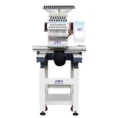
Multifunctional Horsehead Machine Series
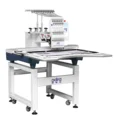
Multifunctional Bridge-Type Single-Head Machine Series
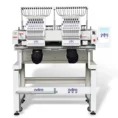
Multifunctional Towel Machine Series
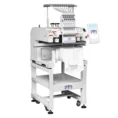
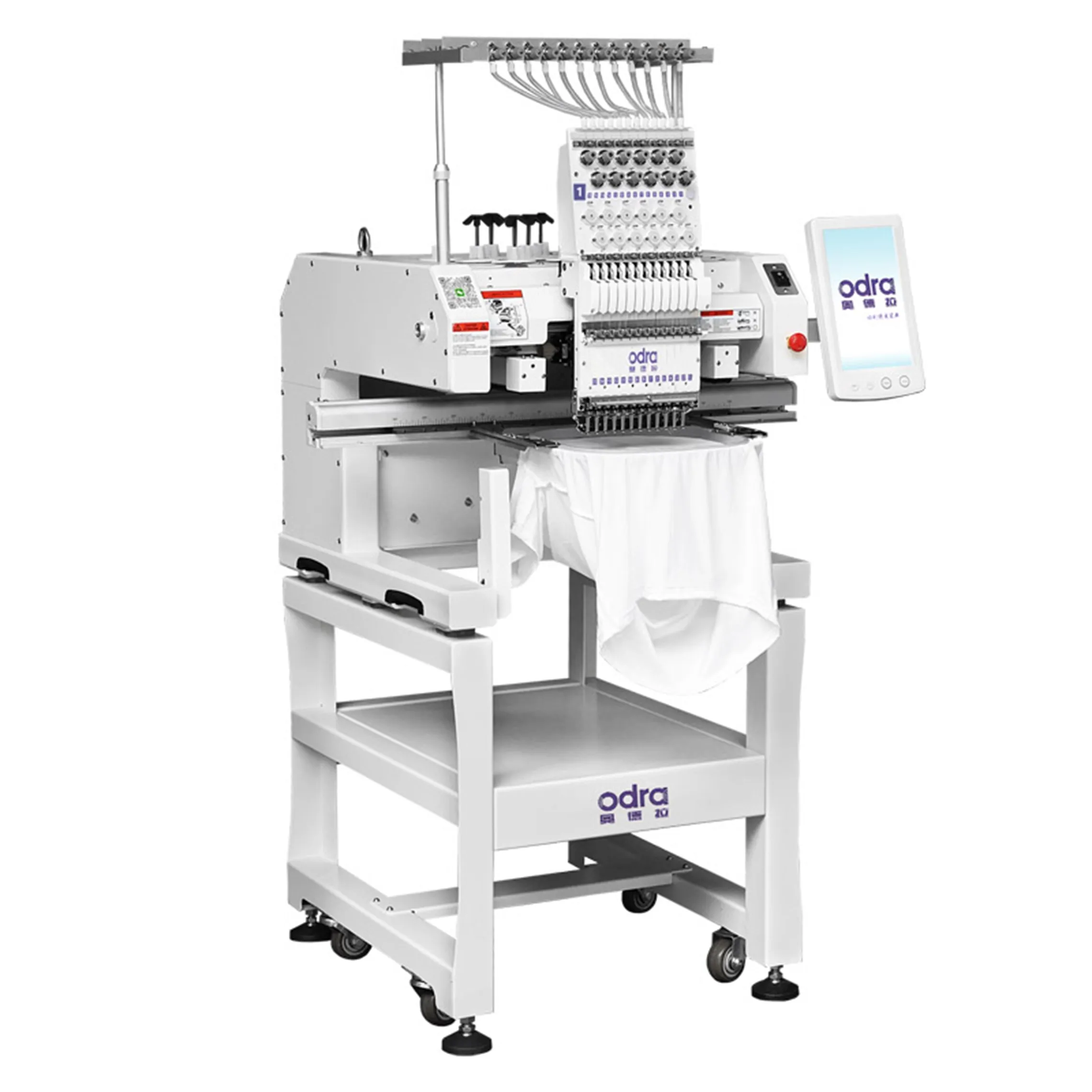
Before ordering an embroidery machine, ask for an itemised list that separates included equipment, optional accessories and items you must source yourself. Record the model, quantity and compatibility of each item. A product photograph can help identify a question, but it should not replace written confirmation of your particular order.
This checklist is for buyers comparing machine packages. It does not describe a guaranteed standard accessory package for every ODRA model.
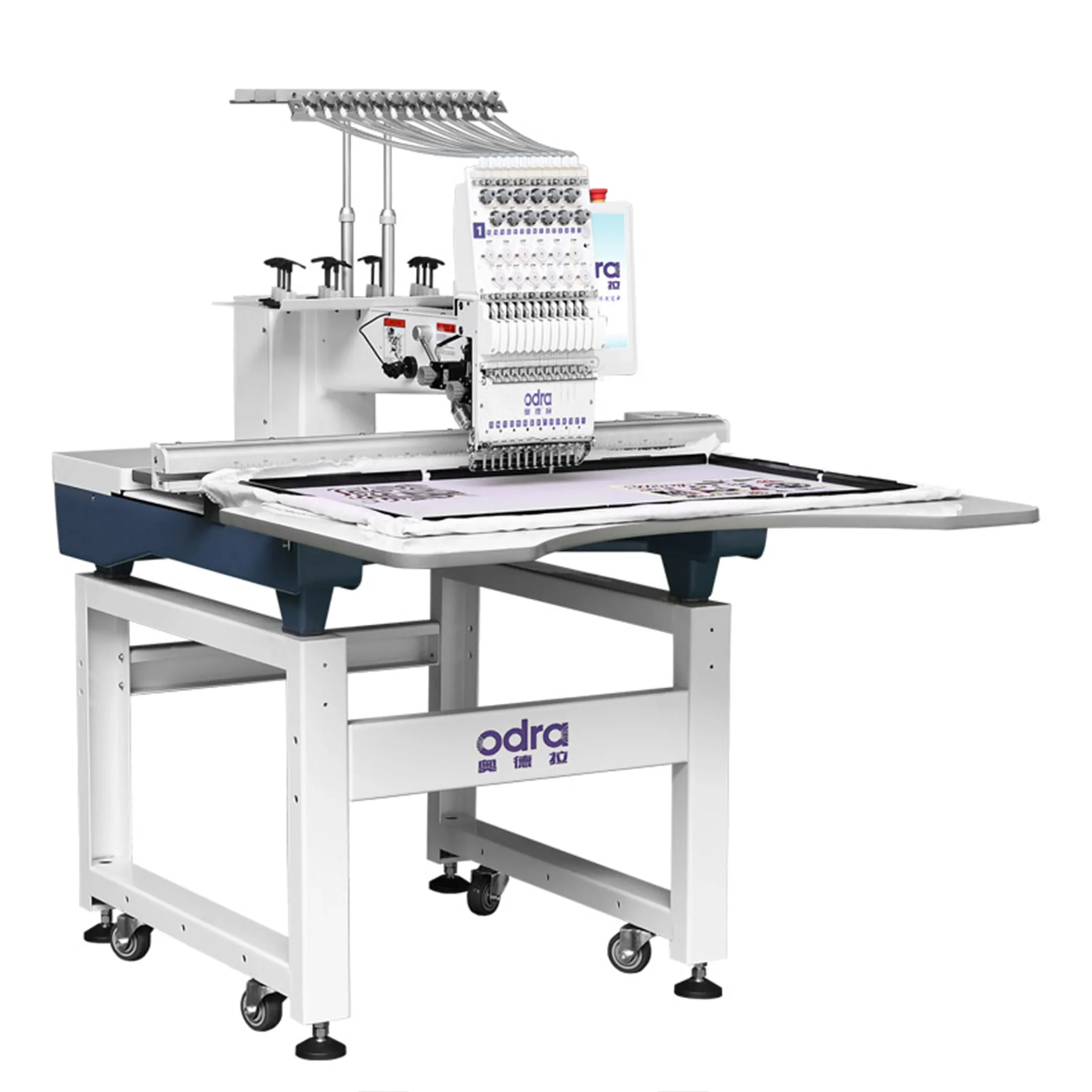
Describe your intended garments, embroidery positions and designs before discussing accessories. A list such as “shirts, caps and bags” is a useful start; photographs and dimensions make the request clearer. Ask the seller to explain which parts of the proposed package support each application and which details still require a sample or compatibility check.
Separate your first production requirement from possible future applications. That makes it easier to compare an essential starting package with optional additions without treating every accessory as a necessary purchase.
Use the same checklist for each quotation. Do not treat a blank entry as either included or excluded: ask for a written answer.
| Item to clarify | What to record |
|---|---|
| Machine identity | Exact model, configuration and quotation reference |
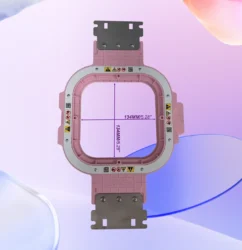
| Frames or hoops | Type, stated dimensions, quantity and compatible mounting parts |
| Application attachments | Exact item, intended use and any additional components required |
| Stand or table | Whether included, its identification and any assembly requirements |
| Tools and consumables | Named items and quantities, rather than “starter kit” alone |
| Software | Product name, licence terms, included functions and any separate charge |
| Documentation | Manuals, accessory list and setup material provided for this order |
These are questions to resolve, not a list of accessories promised with a machine. If a seller uses a package name, ask for its itemised contents and revision date.
A compatible accessory is not automatically supplied in the quantity your workflow needs. Record the quantity on the order rather than assuming it from the number of machine heads or the number of items shown in a photograph.
For frames and attachments, ask the seller to identify the exact compatible machine configuration. If you already own an accessory, send its identification and mounting measurements for review. Similar appearance or a matching brand label alone is insufficient evidence of interchangeability.
Our magnetic hoop compatibility guide explains the measurement questions to prepare before requesting a compatibility decision.
Ask for three clear groups: included in the quoted machine package, optional at a separately stated charge, and not supplied. If an option replaces a standard item, record that replacement explicitly so the packing list does not suggest that both will arrive.
Before payment, reconcile the final quotation, order confirmation and accessory list. Check that agreed additions appear by name and quantity. Keep a dated copy of the documents and any agreed changes.
MYODRA machines ship from Shenzhen, China. Freight rates vary; confirm the current quote for your destination before payment. Keep that freight confirmation separate from the list of included accessories so the scope of each is clear.
When it is safe to unpack according to the supplied instructions, compare the delivered items with the order-specific list. Record item names, quantities and any identification labels. If something appears missing or different, retain the packaging and ask the seller to reconcile the documents before substituting another part.
For an enquiry, send your intended applications and preferred model through Contact Us. For an existing order, use Support and include the order reference and the item you need help identifying. Avoid posting order documents or personal contact details in public blog comments.
Do not assume that they are. Ask the seller to confirm the contents of your specific quotation and order in writing.
The quantity must be confirmed for each item. Machine head count does not establish the contents of an accessory package.
Ask the seller to confirm compatibility, availability, price and any effect on the existing order. This guide does not promise that an accessory can be added later.
Compare the underlying model, configuration, item descriptions and quantities. Resolve unclear terms before comparing totals.
No account yet?
Create an Account