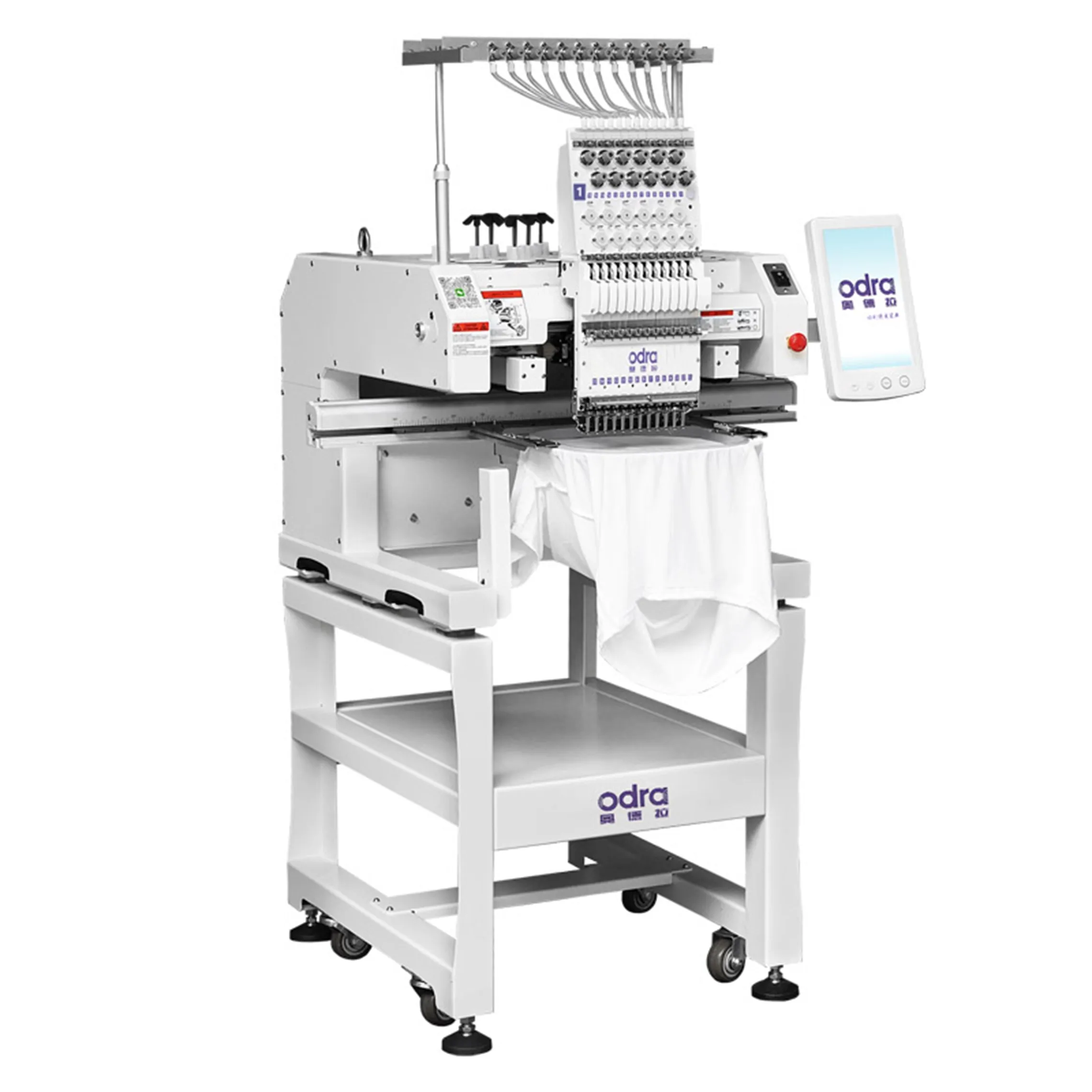
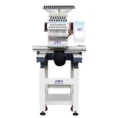
Multifunctional Horsehead Machine Series
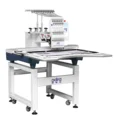
Multifunctional Bridge-Type Single-Head Machine Series
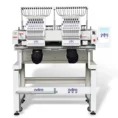
Multifunctional Towel Machine Series
For reliable embroidery thread color matching, select from a physical thread shade card and approve the chosen thread on the intended garment before production. A logo on a screen, a printed proof or a conversion chart can help communicate the request, but each needs a clear link to the actual thread you will use. Record the manufacturer, thread range and color number so the approved choice can be repeated.
Madeira’s shade-card guidance explains that monitor and printed colors may differ from the thread itself, and recommends a physical shade card for precise matching. That makes an emailed logo useful as a reference, but insufficient as the only approval standard.
Start by asking what the customer wants matched: a brand color reference, an existing embroidered garment, a physical fabric or simply a preferred appearance. Keep that reference identified in the job record. If the customer supplies several references that disagree, resolve which one controls the decision before choosing thread.
A Pantone reference can narrow the search. It does not prove that a particular stock embroidery thread is identical to the requested color. Madeira USA’s Pantone matching information notes that an authorized match is not always available and that displayed colors are simulations. It also describes its closest available references under specified lighting.
Use the manufacturer’s matching tool to create a shortlist, then compare the actual thread with the agreed reference. Keep the complete reference as supplied, including any suffix, rather than reducing it to a number. If only a close alternative is available, present it as a proposed alternative and obtain acceptance. Do not label it an exact brand-color match without a basis for that claim.
Use one row for each visible color in the design. A name such as navy, red or gold is helpful in conversation, but it does not identify a specific cone. The following is a practical record template, not a claim that any example thread is included with an ODRA machine.
| Record field | What to enter |
|---|---|
| Design area and color sequence | Which part of the logo uses this thread |
| Customer reference | The agreed physical sample or complete color reference |
| Manufacturer and range | The actual thread product being selected |
| Thread color number | The code on the selected thread label |
| Garment and sample revision | The material and stitched sample submitted for review |
| Approval or open issue | Who accepted it, when, and any agreed limitation |
Choose the thread type for the item’s use and care as well as its color. Our polyester versus rayon guide covers that separate decision. A matching color name should not silently authorize a change of thread range or material.
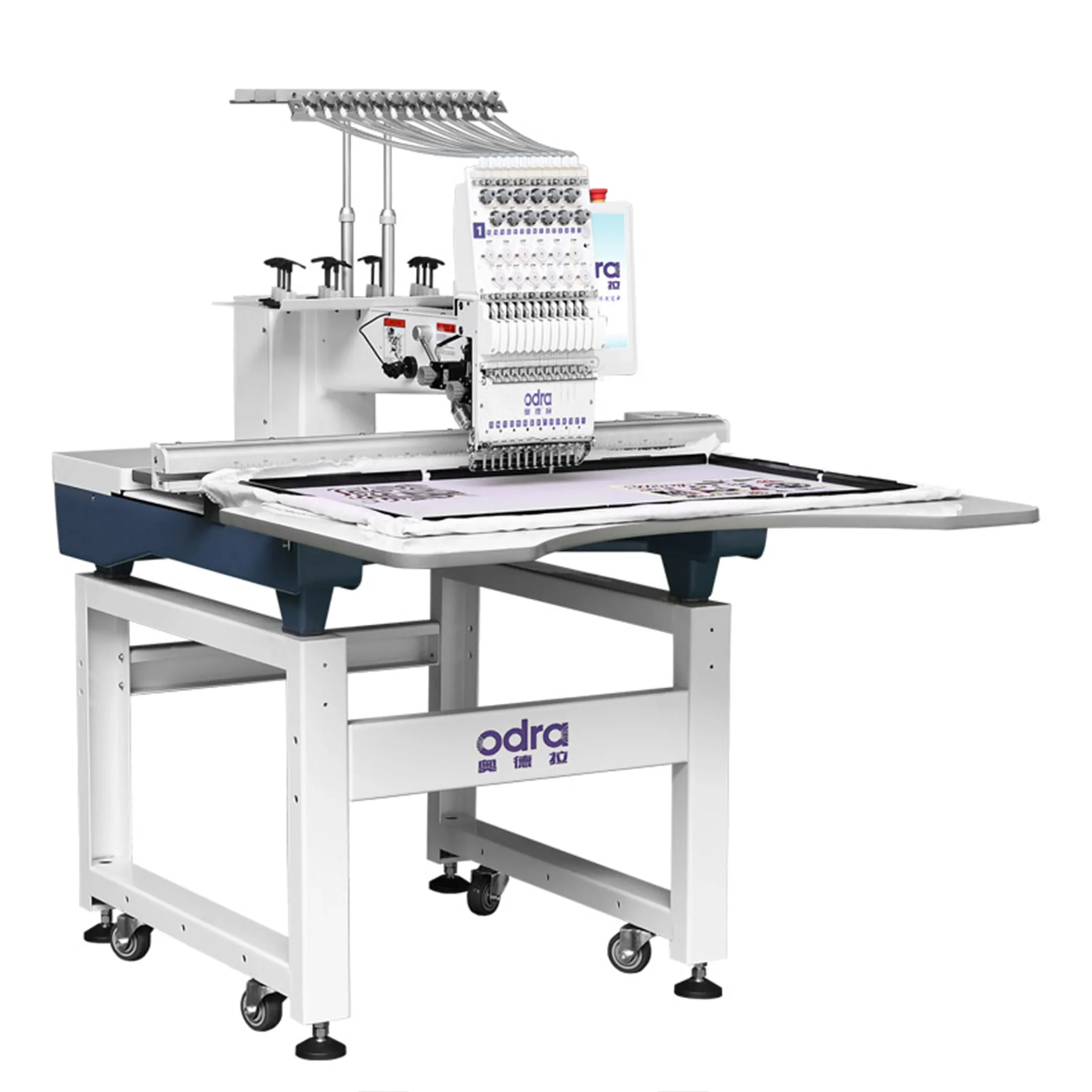
Present the shortlisted thread on a sample that represents the intended garment and design. Agree how the customer will assess the sample, and keep the physical reference available for comparison. A photograph is useful for identifying the sample and discussing details, but the same screen-color limitation still applies.
Ask for a clear decision for each color: accepted, rejected or awaiting another option. Do not treat approval of logo placement as automatic approval of thread color. Link the accepted sample to the design revision and thread list, so a later artwork change cannot be confused with the version already reviewed.
Before loading the job, compare the selected cone labels with the approval sheet and the production color sequence. Resolve a missing or different thread code before substituting it. For repeat orders, retrieve the earlier record and sample rather than relying on a remembered color name.
Keep labels traceable as described in our embroidery thread storage guide. If the approved thread is unavailable, document the proposed replacement and request a new decision. For machine-related questions, contact MYODRA support with the exact machine identification and thread information; this guide does not prescribe controller settings or certify thread compatibility.
Use it to communicate the intended screen color and find candidates. Confirm the actual thread with a physical reference and an approved stitched sample before treating the choice as final.
No. Check what the thread manufacturer says about its match and whether it is available. Present a close alternative honestly and obtain the customer’s decision.
Record the manufacturer and thread range alongside the number, plus the garment and accepted sample revision. A number without its product context leaves the production choice ambiguous.
Yes. Identify what changed and submit the proposed replacement for review. Keep that decision with the order rather than silently replacing an approved material.
No account yet?
Create an Account