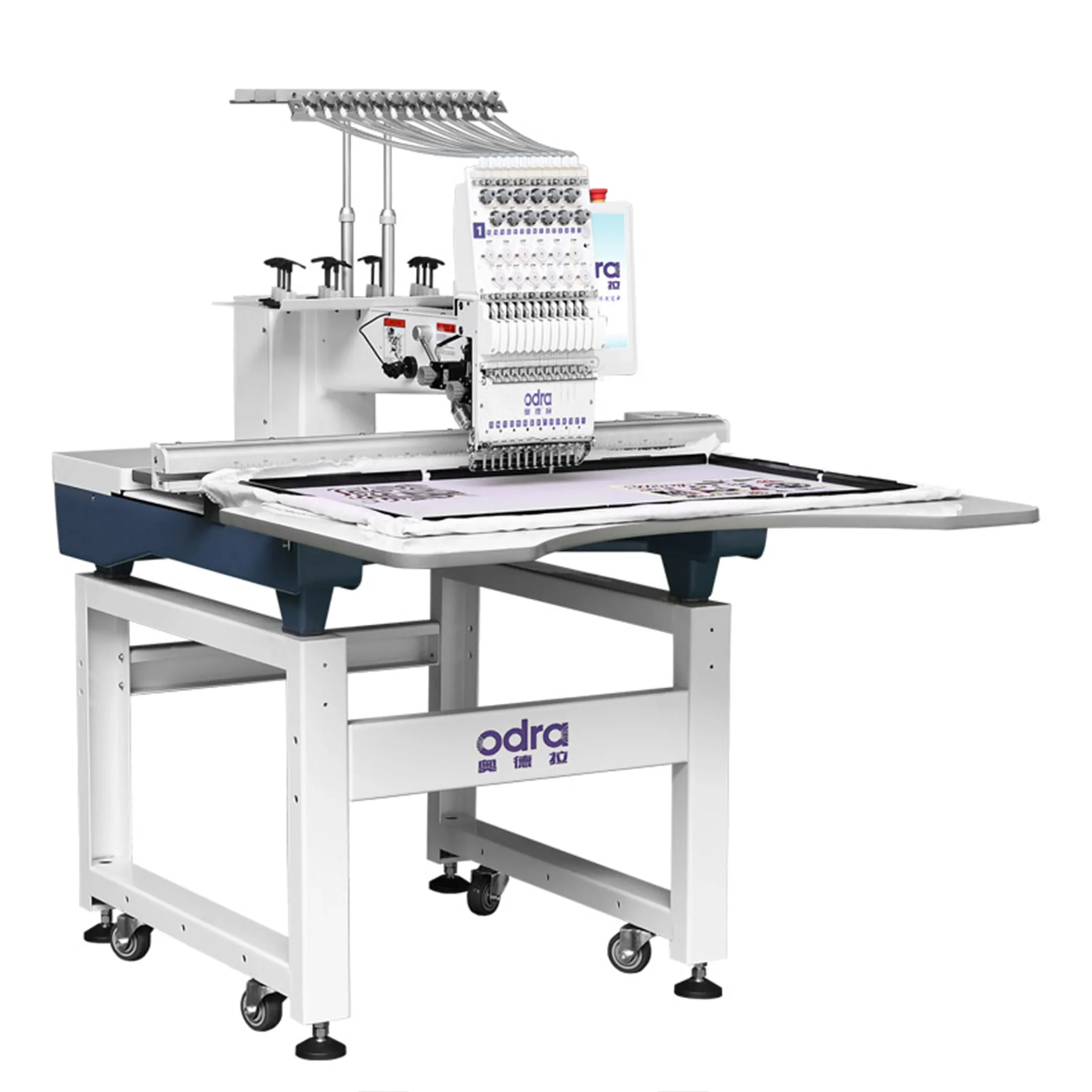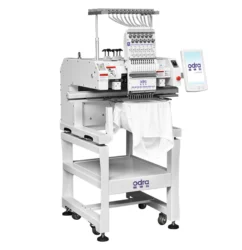
Multifunctional Horsehead Machine Series
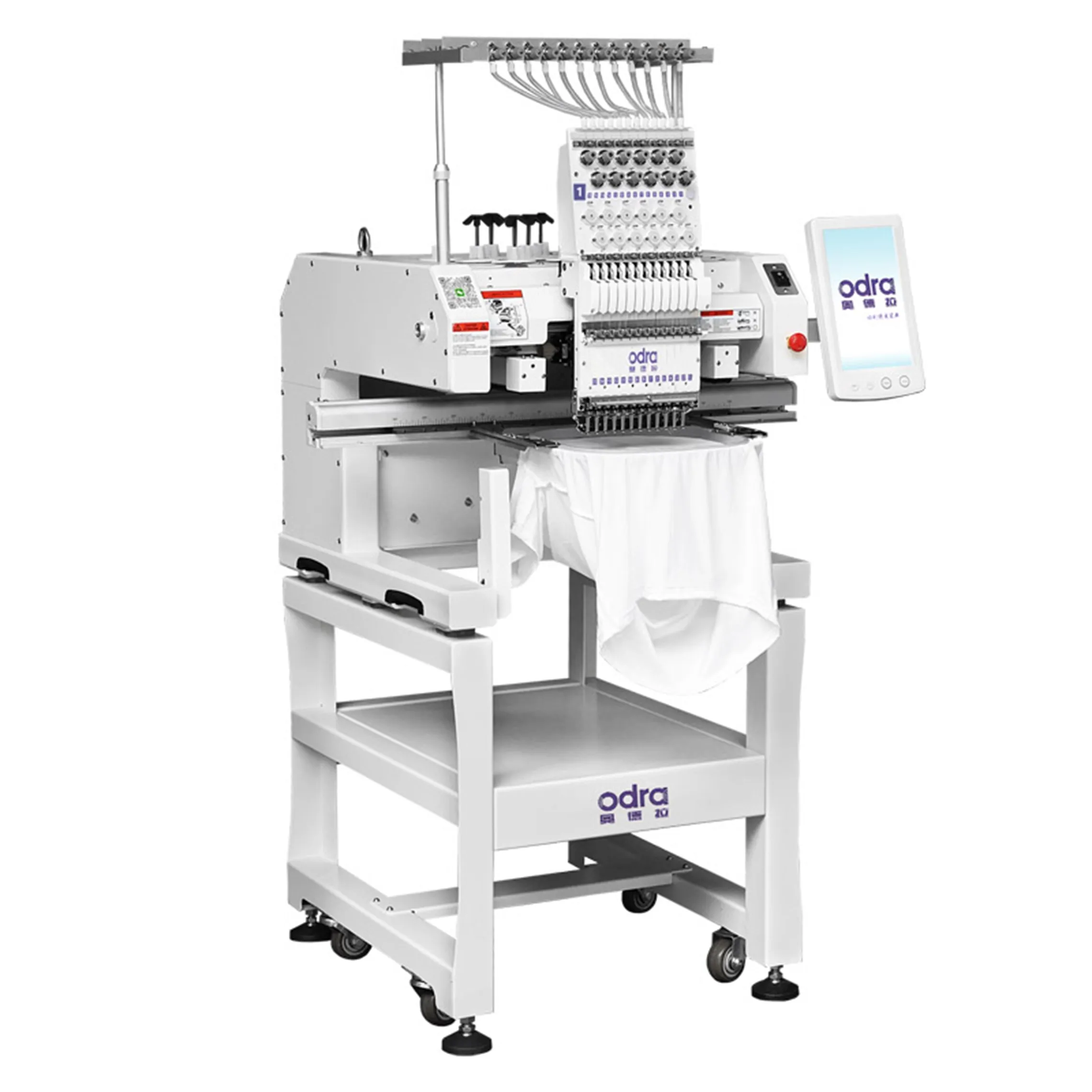
Multifunctional Bridge-Type Single-Head Machine Series
Multifunctional Towel Machine Series
Embroidery underlay is the foundation stitching placed beneath the visible cover stitches. It is part of the digitized design, rather than the backing material placed under the garment. When discussing a new logo with a digitizer, ask which underlay suits each shape and the intended fabric, then review a stitch-out before releasing the file for production.
Wilcom’s underlay documentation describes a foundation that supports the cover stitching, helps stabilize fabric and can lift the top stitches above soft fabric. It notes that underlay adds stitches, but that increasing cover-stitch density is not the only response when coverage is poor.
For a buyer, the useful distinction is between the visible artwork and the stitch structure underneath it. Two files can show the same logo outline while using different foundations. Ask the digitizer to explain the proposed structure for the actual application, instead of judging the file only by its screen preview or total stitch count.
Wilcom’s automatic underlay guide links selection to object shape, size, fabric and purpose. It describes the following common types. These are starting points for a design discussion, not fixed ODRA machine settings or a recipe for every garment.
| Type | Basic structure or role | Question to ask |
|---|---|---|
| Center Run | A foundation along the center of a narrow column | Does this narrow element need a center foundation? |
| Edge Run | Support following the edge of a shape | Is it positioned to remain covered at the finished size? |
| Zigzag | Support across wider columns | How does the foundation suit this column and fabric? |
| Tatami | Open rows supporting a larger filled shape | How will the foundation and visible fill work together? |
The same guide allows more than one underlay type in an object. Treat a combination as a design choice to justify, rather than assuming every object needs two layers. Identify the lettering, border and filled areas separately when requesting a review.
Keep the two terms separate in the job brief: underlay identifies stitches in the design; stabilizer or backing identifies the supporting material used with the fabric. Record both. Do not assume that a request for a different backing also authorizes the digitizer to change the stitch structure.
Our cut-away versus tear-away stabilizer guide covers the material choice. When discussing a problem, give the digitizer the fabric, backing, finished dimensions and file revision together. That makes the request more useful than simply asking for more stitches.
Mark the affected area on the sample and identify the exact file used. Ask for a review of the underlay placement relative to the cover stitches. Wilcom’s tatami underlay settings specifically discusses adjusting the margin to keep underlay within the cover stitching.
That is a reason to inspect the file, not proof that every visible line has the same cause. Keep a photograph of the area and ask the digitizer to confirm whether the line is actually underlay before changing it. Avoid making an unrecorded series of file and setup changes that leaves you unable to identify which revision produced the sample.
For fine text, use the small embroidery lettering guide to frame the readability discussion. For an equipment question, send the machine identification and file details to MYODRA support. File-editing options and supported formats must be confirmed for the actual software and controller.
No. Underlay is foundation stitching in the design. Backing is a supporting material used with the fabric. Record the decisions separately.
No. Wilcom relates the choice to the shape, size, fabric and purpose. Ask the digitizer to review each relevant element rather than applying one assumption to the entire logo.
Do not remove a supporting structure solely to reach a lower number. Ask what role it serves, have the file reviewed and judge the revised result on a sample.
A speed specification does not identify the foundation needed by a particular design. Provide the design and fabric details for a digitizing review, and follow the machine’s instructions for operation.
No account yet?
Create an Account