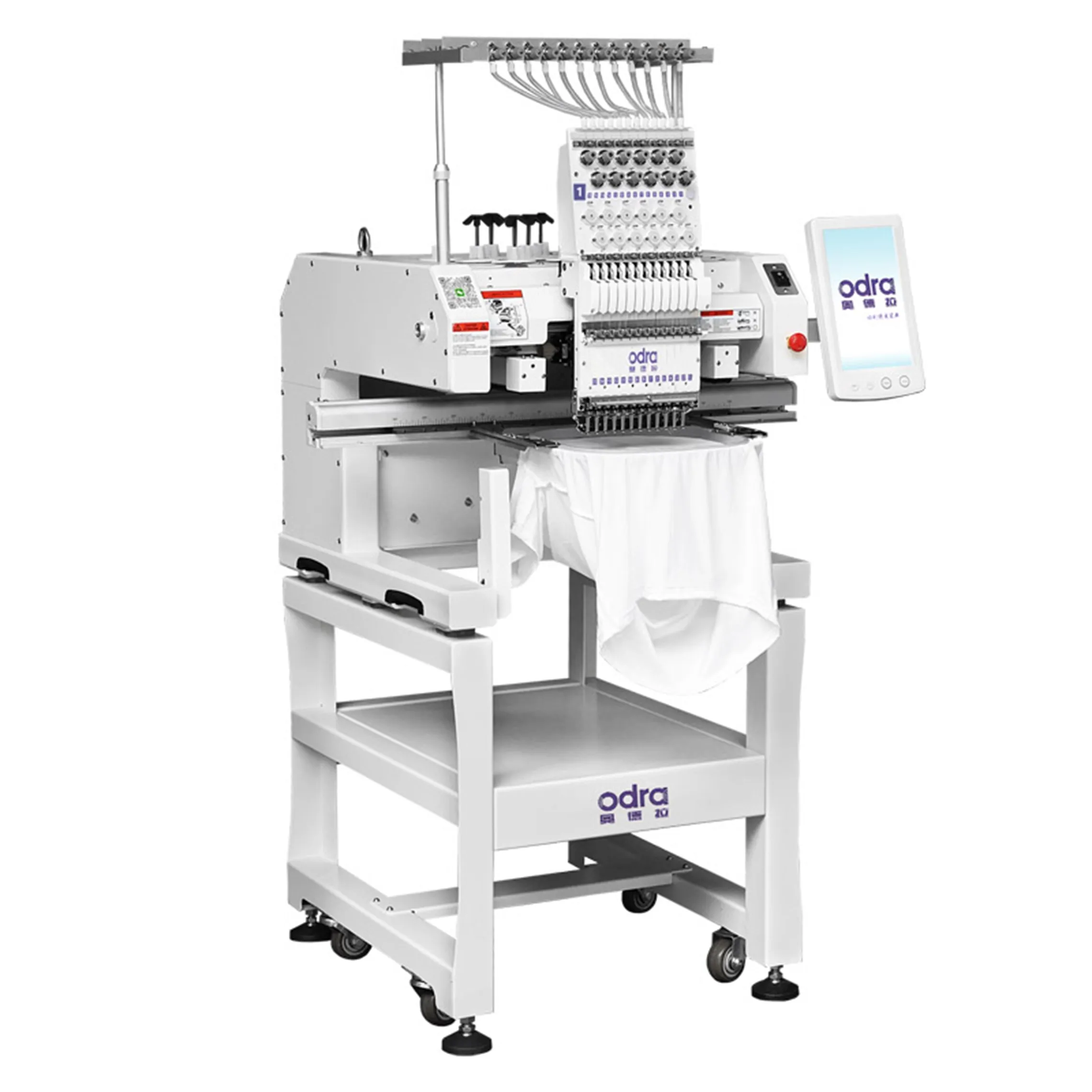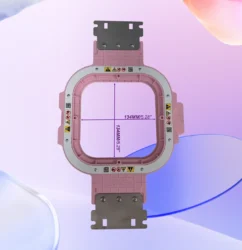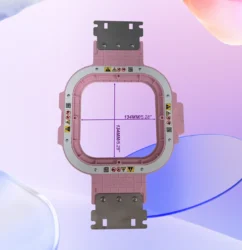
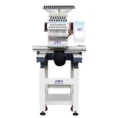
Multifunctional Horsehead Machine Series
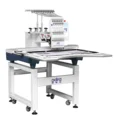
Multifunctional Bridge-Type Single-Head Machine Series
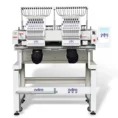
Multifunctional Towel Machine Series
An embroidery production time estimate needs more than stitch count divided by a machine’s maximum speed. Define the job, include the stops and handling it requires, and compare the estimate with a timed run using the intended setup. Keep machine runtime separate from the time needed to prepare, inspect and finish the order.
Identify the design revision, finished dimensions, garment and quantity before discussing a deadline. A timing result is only useful when you know what was actually timed. If the file changes after approval, keep the revised estimate linked to the new file rather than carrying forward the earlier figure automatically.
AMANN’s embroidery production calculator uses stitch count, machine speed, order quantity and head count, with allowances for stops such as color changes, trims and hoop changes. It describes the result as an estimate and notes that actual time depends on the machine, design and operating conditions. Its example inputs are not ODRA specifications.
A simple stitch-count calculation describes only one part of the work. Avoid turning that figure into a promised completion time without explaining what it includes. Use a worksheet that keeps the following observations separate.
| Time category | What to identify | How to keep the estimate useful |
|---|---|---|
| Design runtime | The identified file running on the intended machine | Record the actual setup and timing boundaries |
| Programmed interruptions | Trims, color changes and planned stops | Check what the software estimate already includes |
| Garment handling | Hooping, loading and unloading | Observe the actual workflow instead of assuming no handling time |
| Preparation and finishing | Job setup, inspection and agreed finishing work | State whether these tasks are inside the quoted schedule |
| Exceptions | Unplanned interruptions or a rejected sample | Record the event and revise the plan when needed |
Do not add a trim allowance twice if the runtime figure already includes trims. Equally, do not assume that a software runtime includes garment preparation. Write down the boundaries before combining figures.
Wilcom’s runtime setup documentation includes normal and slow speeds, trim and color-change times, stop time, and design start and end times. It says the inputs can come from machine specifications, controller feedback or observation. A named machine profile is therefore a set of assumptions to review, not independent evidence of a measured result.
Ask which profile was used and which observations support it. Do not substitute a headline maximum speed for a verified job-specific input. This guide does not establish a recommended operating speed, trim duration or runtime profile for any ODRA model.
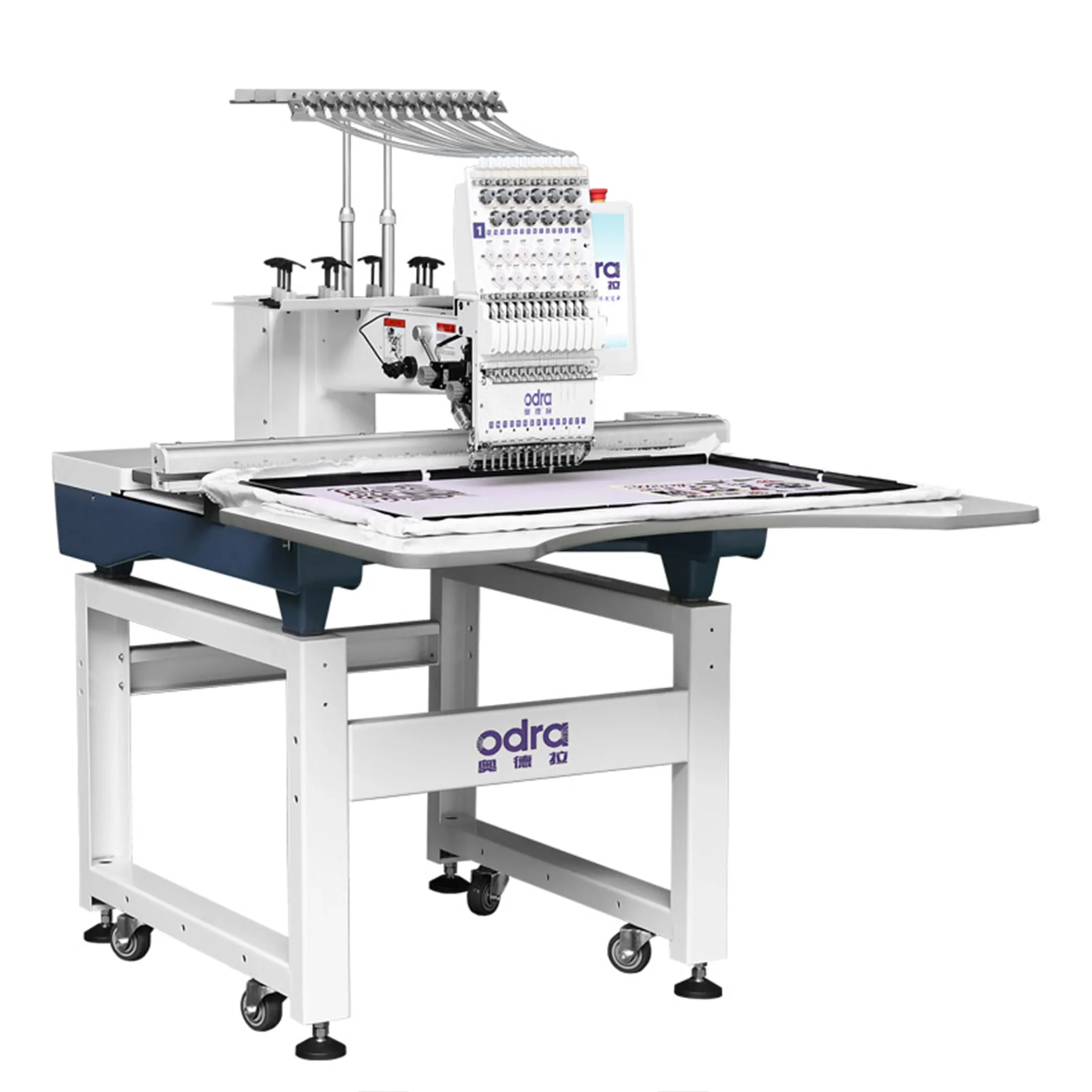
For a remote equipment review, our embroidery machine video demo checklist helps define what to ask the seller to show. Request a clearly identified run rather than treating an edited highlight video as a continuous timing record.
List the stages needed for the actual order and who will perform them. Mark tasks that can overlap and tasks that require the same operator or equipment. Keep approval work, material readiness and finishing visible instead of hiding them in one unexplained efficiency percentage.
For multiple-head work, read our double-head batch planning guide. Confirm the usable setup and job requirements before assuming that adding heads divides every task equally. Ask MYODRA about the exact configuration and a relevant demonstration; this article does not promise an output rate or delivery date.
It can start the discussion, but it does not define stops, handling or finishing. State the assumptions and compare the estimate with an identified run.
Do not assume it represents the whole job. Use verified information for the intended setup and follow the machine’s operating instructions.
No. Review the runtime profile and compare its result with observation. Keep the sample identity and timing boundaries with the record.
Any design change needs a quality review and appropriate approval. Revise the schedule or discuss the file with the digitizer rather than silently removing necessary stitching.
No account yet?
Create an Account