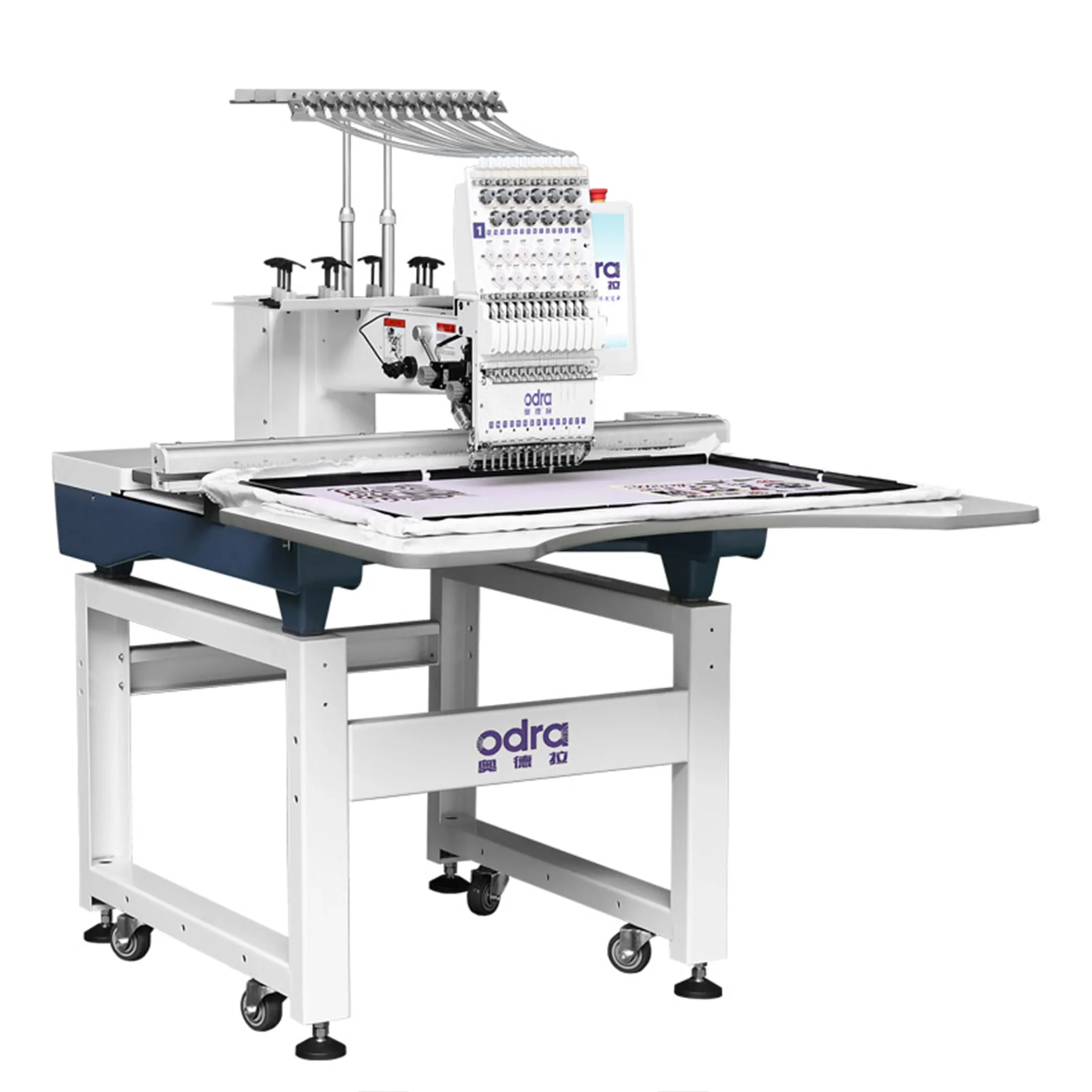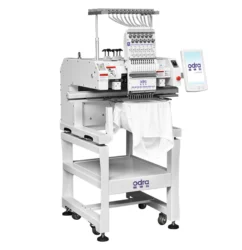
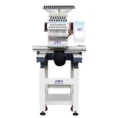
Multifunctional Horsehead Machine Series
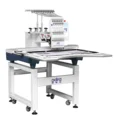
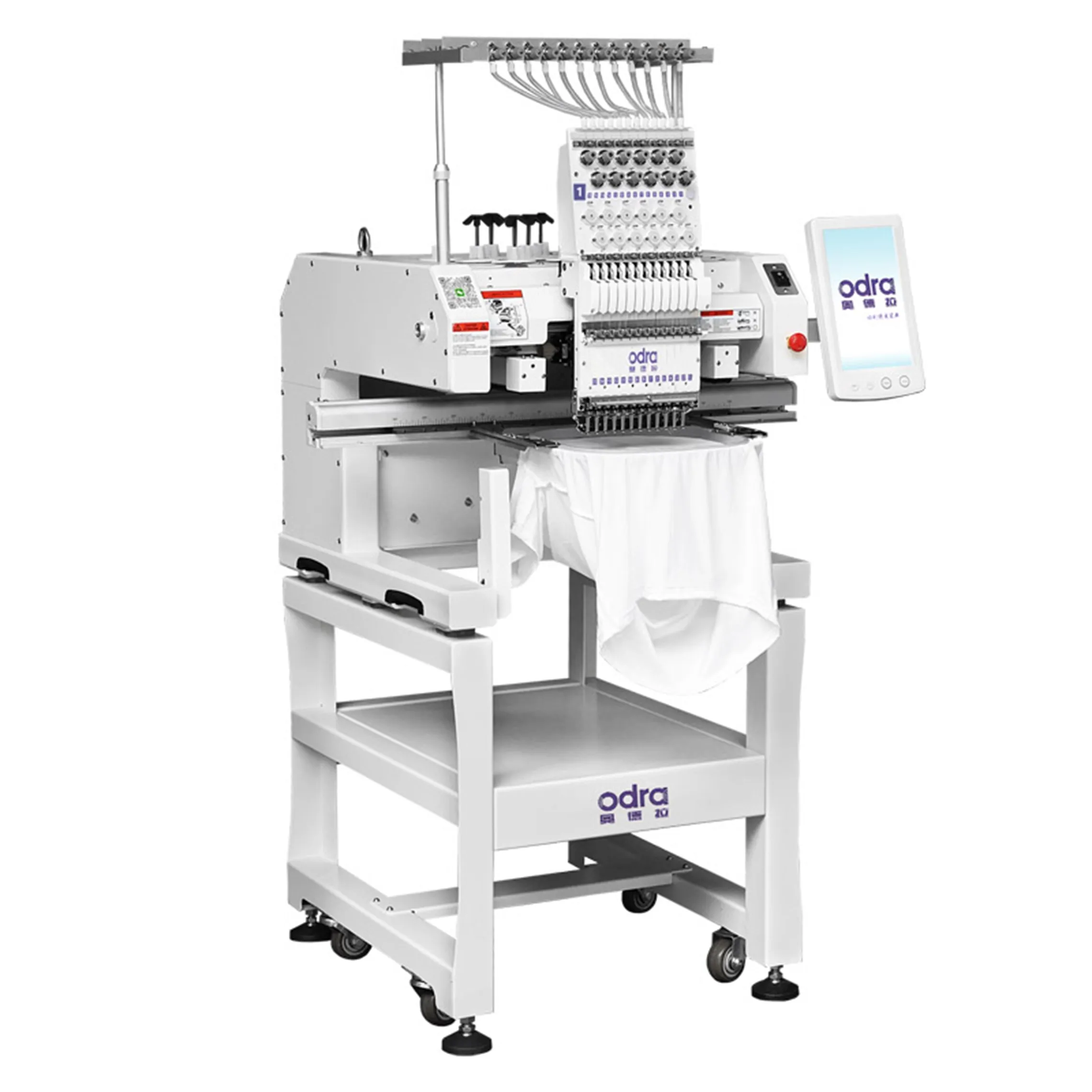
Multifunctional Bridge-Type Single-Head Machine Series
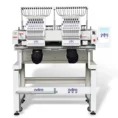
Multifunctional Towel Machine Series
An embroidery machine maintenance log should identify the machine, the instruction behind each task, when the task was completed and what needs follow-up. Build the schedule from your model’s manual and support instructions. A record sheet helps organize maintenance; it cannot supply missing lubrication points, products or service intervals.
Create one record for each machine. Include its model, serial number, installation date, manual edition and support contact. For a shop with several machines, give each a short internal ID so operators do not accidentally apply one model’s instructions to another.
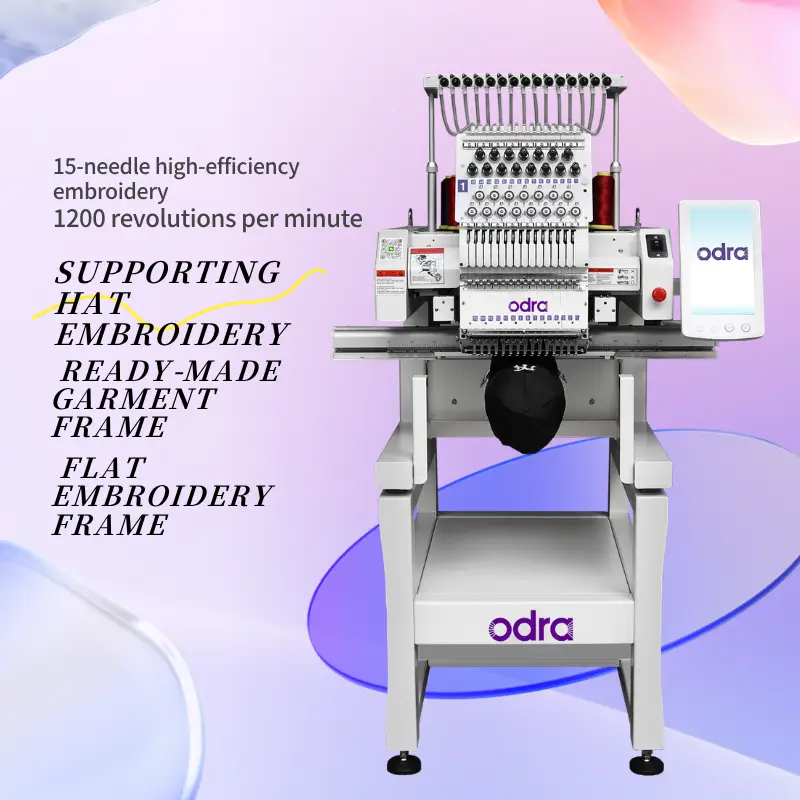
The ODRA C1501M product page identifies the model shown here. Obtain the matching maintenance instructions through ODRA support; this article does not provide a C1501M service schedule.
Copy each applicable task into a register with its manual page or written support reference. Preserve the original trigger: a calendar interval, operating hours or a specified condition. Do not replace a running-hours instruction with a guessed number of days.
| Field | What to enter |
|---|---|
| Task and source | Task name, manual edition and page or support reference |
| Trigger | The interval or condition stated in the instructions |
| Responsible person | Trained operator or technician, as applicable |
| Required materials | Exact product or part specified by the instructions |
| Completion | Date, time, recorded meter value if available and person completing it |
| Follow-up | Observed result, unresolved issue and next due trigger |
If the manual is unclear, mark the task “awaiting instruction” and ask support. Do not turn an unverified internet tip into a scheduled task. Follow the machine’s stopping and isolation procedure before performing maintenance.
Use an operator handover section for unusual noises, displayed errors, visible damage or changes in sample quality. Record when the issue appeared and whether the machine was taken out of service. Avoid writing “serviced” when someone has only noticed a problem.
A useful entry says what was observed, what instruction was followed and what happened next. For example: “Unexpected noise reported during order A; operation paused; photos and error details sent to support; awaiting assessment.” This is an example of record wording, not a diagnosis or a claim about any ODRA machine.
If your machine provides a suitable usage counter, ask which reading should be used for the maintenance schedule and record that consistently. If it does not, agree on an operating-time record with support. Distinguish estimated hours from counter readings.
Do not confuse powered-on time, stitching time and a full production shift. Keep the basis visible on the sheet so a second operator understands what the number means.
For repeat thread-break problems, link the entry to a separate troubleshooting record. That keeps a maintenance action and a fault investigation traceable without assuming they are the same thing.
Use the instructions for the exact model and specified locations. Ask support for the schedule and approved lubricant if you do not have them.
Do not assume that. Keep model-specific instructions attached to each machine’s register, even if the record layout is shared.
The record alone does not establish readiness. Complete the checks required by the instructions and resolve outstanding faults before returning the machine to production.
Send the model and serial number privately through MYODRA’s contact page and request the matching documentation before attempting unfamiliar service work.
No account yet?
Create an Account